


Don't let your saved links rot.
You save dozens of articles a week — and forget almost all of them. FeedTalk replays the links you hoard as ≤30-second audio Briefs in your spare moments, spins your library into personal podcasts for the commute, and answers anything you've saved. Save it later, actually listen, actually remember.
From saved to remembered in three steps
Using FeedTalk is as simple as finally listening to what you saved.

1. Collect · Clip it anywhere
One click from the Chrome extension, share sheet, URL, or email. Every save lands straight in your library as unread — no feed, no triage step.

2. Brief · Listen in spare moments
Each clip becomes a ≤30-second audio Brief. The feeding engine plays them back in your dead time — swipe to advance, tap "Got it" once it sticks.
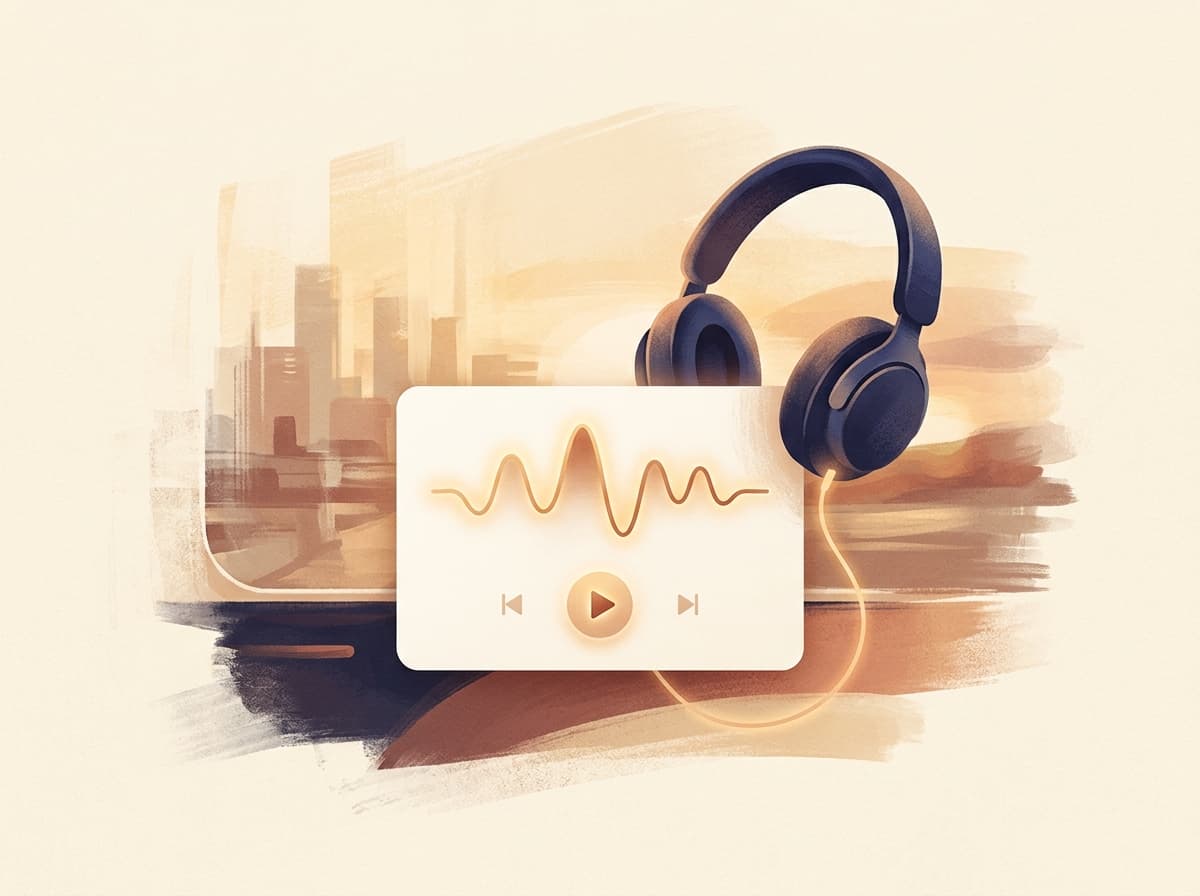
3. Talk · Deep-dive as a podcast
For focused time, pick a suggested episode and get a 10–30 minute solo or duo-host Talk generated from your library — hands-free on the commute or at the gym.
From saved to remembered
Collect → Brief → Deep Read → Reinforce → Recall — the loop that turns a graveyard of bookmarks into knowledge you actually keep.
Collect, don't doomscroll
One click from the Chrome extension, share sheet, URL, or email. No feed, no algorithm, no triage step — every save lands straight in your library as unread.
Brief — your saves, on repeat
Every clip becomes a ≤30-second audio Brief. A feeding engine plays them back in your spare moments — unread first, then new, then worth-reinforcing — and learns as you tap "Got it".
Read deep, not wide
Immersive, distraction-free reading with highlights and notes. Highlight a clip and its Brief is rewritten around the lines you cared about.
Turn your library into Talks
A plan engine suggests episodes from what you've saved — weekly recaps, themed deep-dives, retrospectives. Pick one and get a 10–30 minute solo or duo-host podcast, just for you.
Ask your whole library
Full-text search, nested collections and tags, plus an AI assistant that answers from everything you saved — with citations, web search, and voice.
Reinforce on repeat
The feeding engine re-serves high-value clips and your own highlights on a spaced schedule, so what you read once actually sticks weeks later — no cramming, no dashboards.
The Brief feed
Your reading, on repeat in your ears
Every save is distilled into a ≤30-second audio Brief. In a queue, on a walk, waiting for coffee — the feeding engine plays them back for you: unread first, new next, then the older keepers worth another pass. Tap "Got it" and it stops re-serving what you've digested. A feed with a boundary — only your own library, never the world's.
- A week of saves, replayed in spare minutes — no screen required
- The feeding engine ranks what to play: unread, new, worth-reinforcing
- Tap "Got it" and it stops re-serving what you already know
The quiet cost of context switching
It takes about 23 minutes to refocus after an interruption — the hidden tax knowledge workers pay all day.
Nature · ≤30s Brief
How FeedTalk compares
Bookmarking apps help you save. FeedTalk replays what you saved as audio until you actually remember it — and answers anything you ask.
| FeedTalk | Cubox | Readwise Reader | Pocket / Instapaper | |
|---|---|---|---|---|
| Active save — no feed or algorithm | Limited | |||
| Brief — a ≤30s audio feed of your saves | ||||
| Deep reading with highlights & notes | ||||
| Talks — solo/duo podcasts from your library | ||||
| Ask your whole library — cited AI answers | Limited | Limited | ||
| A feeding engine re-serves it until it sticks | Limited |
Comparison reflects each product's publicly described features and our own reading of them; capabilities change often — check each app for the latest.
Listen to your library
Your library, replayed as personal podcasts
When you have a real stretch of time, a plan engine turns your saves into Talks — a weekly recap, a themed deep-dive, or one long read unpacked. Pick a suggestion, choose a solo narrator or a two-host conversation, and get a 10–30 minute podcast made only from your own library.
- Premium neural voices that actually sound human
- Solo narration or a two-host conversation — you choose
- Background and lock-screen playback — turn the commute into reading time

Ask your reading memory
An assistant that actually read your library
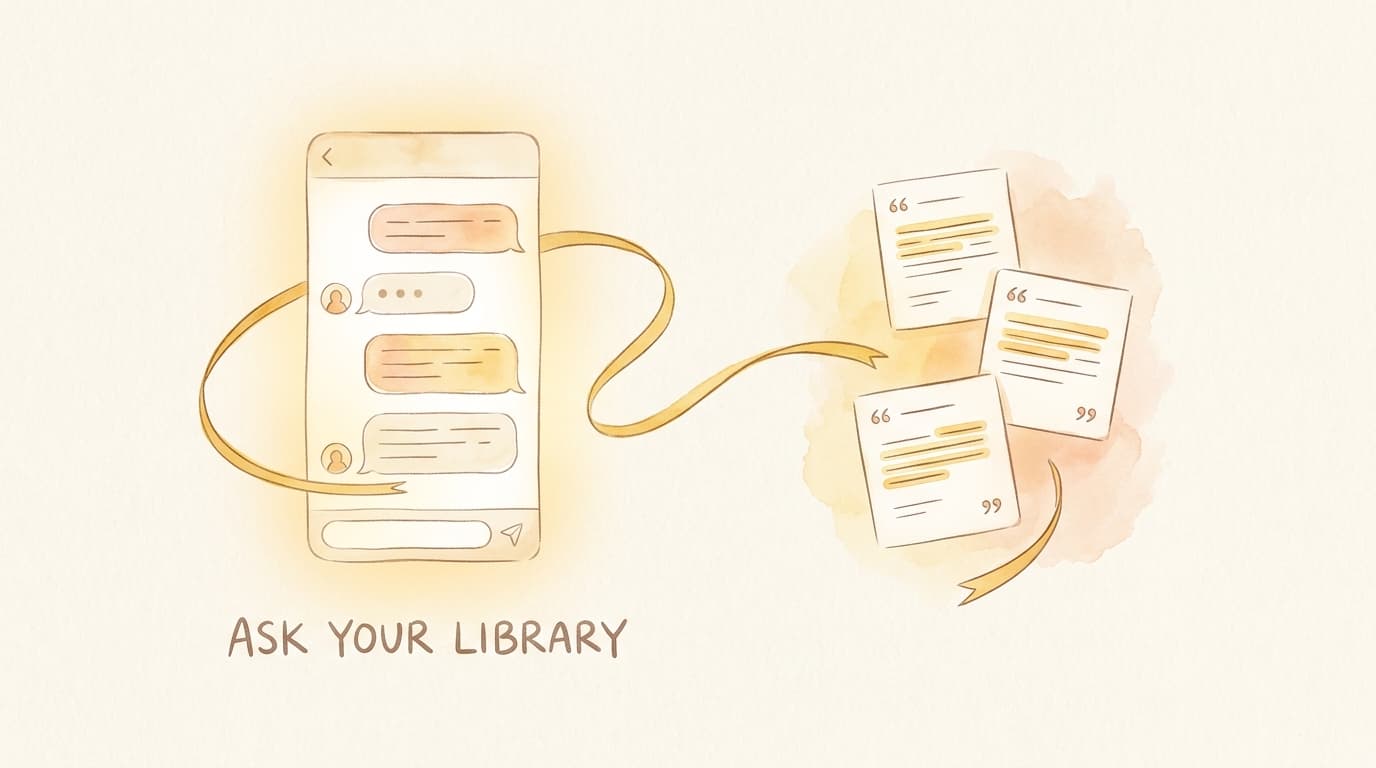
Ask anything in plain language and get grounded answers with citations back to the exact clips you saved — plus web search when you need more, voice in and read-aloud out, and memory that carries across conversations.
- Cited answers pulled straight from what you saved
- Web search when your library isn't enough
- Voice in, read-aloud out — and it remembers across chats
Your reading memory compounds
No feed to dilute it — every clip you deliberately keep and the feeding engine replays builds a library you can actually recall, weeks later, not minutes.
Highlights kept
Illustrative — the more you save and replay, the more your library compounds.
Feeds or algorithms
Every item is something you chose to keep.
Ways to save
Extension, share sheet, URL, or email.
Ways to get it back
Audio Briefs, personal Talks, and an AI assistant.
Save anywhere. Remember everywhere.
Clip from any page on desktop, let the feeding engine replay your saves as audio Briefs on the phone, and deep-dive with personal Talks — on the train, at the gym, anywhere your eyes are busy.
FeedTalk Clipper
One click from the Chrome extension, share sheet, URL, or email. No feed, no algorithm, no triage step — every save lands straight in your library as unread.
Pricing
Start free. Upgrade for more audio and AI, unlimited saves, full-text search, and premium voices.
Free
Start building your reading memory.
- 100 monthly credits
- Active save — extension, share, URL, email
- Brief audio feed with the feeding engine
- Deep read + highlights & notes
- Personal Talks & library AI Q&A — metered by credits
- Up to 200 saved clips
- Up to 10 collections
Pro
For serious readers who keep what matters.
- Everything in Free, plus:
- 1,000 monthly credits — 10× the audio & AI
- Unlimited clips & collections
- Full-text search across your library
- Premium neural voices
- Web, mobile & extension sync
Max
For power readers who run on audio & AI.
- Everything in Pro, plus:
- 3,000 monthly credits (3× Pro)
- 3× the headroom for Briefs, Talks & AI Q&A
- More monthly clip imports
Frequently asked questions
Everything you need to know before you start saving smarter.
What is FeedTalk?
FeedTalk is a read-it-later app with a memory. Save any article and it lands straight in your library — no inbox, no triage. A feeding engine replays your saves as ≤30-second audio Briefs in spare moments, turns your library into 10–30 minute solo/duo podcasts called Talks, and answers anything you've saved with cited AI — so what you keep actually sticks.
How do I save articles?
Clip from anywhere: one click with the Chrome extension, the mobile share sheet, a pasted URL, or by emailing a link. There's no feed and no algorithm — every save lands directly in your library as unread, with no triage step to clear.
How does listening to my articles work?
Two ways. Brief turns every clip into a ≤30-second audio briefing that a feeding engine plays back in your dead time. Talk turns your library into 10–30 minute solo or duo-host podcasts for focused time. Both use premium, natural-sounding neural voices with background and lock-screen playback — no screen required.
How does FeedTalk help me remember what I read?
A feeding engine re-serves your saves and your own highlights on a spaced schedule as audio Briefs — and stops once you tap "Got it." A built-in AI assistant answers questions from your whole library with citations, web search, and voice, and full-text search finds anything you've saved — weeks later, not minutes.
How do credits and plans work?
Every plan runs on monthly credits (Free 100, Pro 1,000, Max 3,000). Everyday actions like saving and reading cost little or nothing; audio Briefs, Talks, and AI Q&A spend credits, so your plan simply sets how much audio and AI you get each month. Credits reset monthly and don't roll over.
Is FeedTalk free?
Yes — the Free plan lets you save, read, highlight, listen to audio Briefs, generate personal Talks, and ask your library, all within 100 monthly credits (up to 200 saved clips). Upgrade to Pro or Max for 10×–30× the credits, unlimited clips and collections, full-text search, and premium neural voices.
Which platforms does FeedTalk support?
The Chrome extension and Android app are live, and there's a full web app you can open in any browser. The iOS app is coming soon, and your library syncs across web, mobile, and the extension.