Get FeedTalk
One library, everywhere you read. Save on the desktop, listen on the walk home — the clip you make in the browser is on your phone before you get there.
Apps
The full library, the Brief feed, and Talks. Your saves sync across every one of them, and the web app needs no install at all.
Chrome extension
The clipper
The extension is where most saving actually happens: you are already on the page, and it takes one click. It works in Chrome, Edge, Arc and Brave.
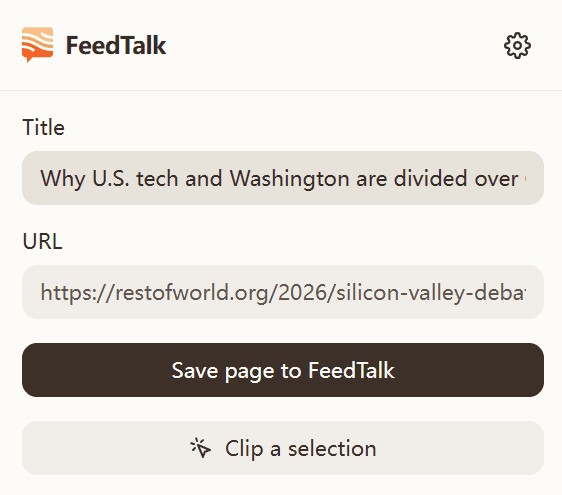
Save the page in one click
Title and URL are read off the page, so there is nothing to type. The save lands in your library as unread — no inbox to clear.
Or clip just a block
Select a passage and clip that instead of the whole article. Turn on hold-to-clip and a modifier key highlights blocks as you hover, so one click takes the section you actually wanted.
A keyboard shortcut that skips the popup
Bind a key and the current page is saved without anything opening. It is the fastest path from reading to saved.
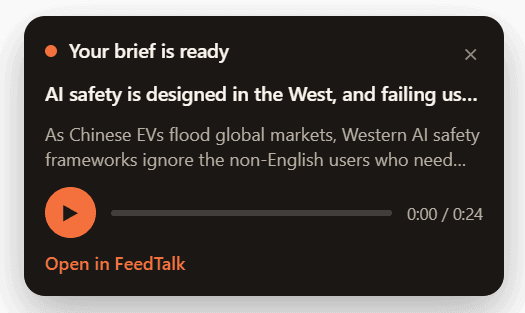
Hear the brief without leaving the page
When processing finishes, a small player offers the ≤30-second audio brief on the page you saved it from. Turn it off if you would rather it stayed quiet.